Multi-format reader
Read QR, Data Matrix, Aztec, PDF417 and nine common linear barcode formats.
Scan fast. Act with context.
Read QR and 1D barcodes with CameraX and ML Kit, review suspicious link signals before opening, keep a useful local history and create QR codes without an account.
More than a camera
The result is decoded, classified and presented with the action that fits its content—without sending the scanned value to a proprietary cloud.
Read QR, Data Matrix, Aztec, PDF417 and nine common linear barcode formats.
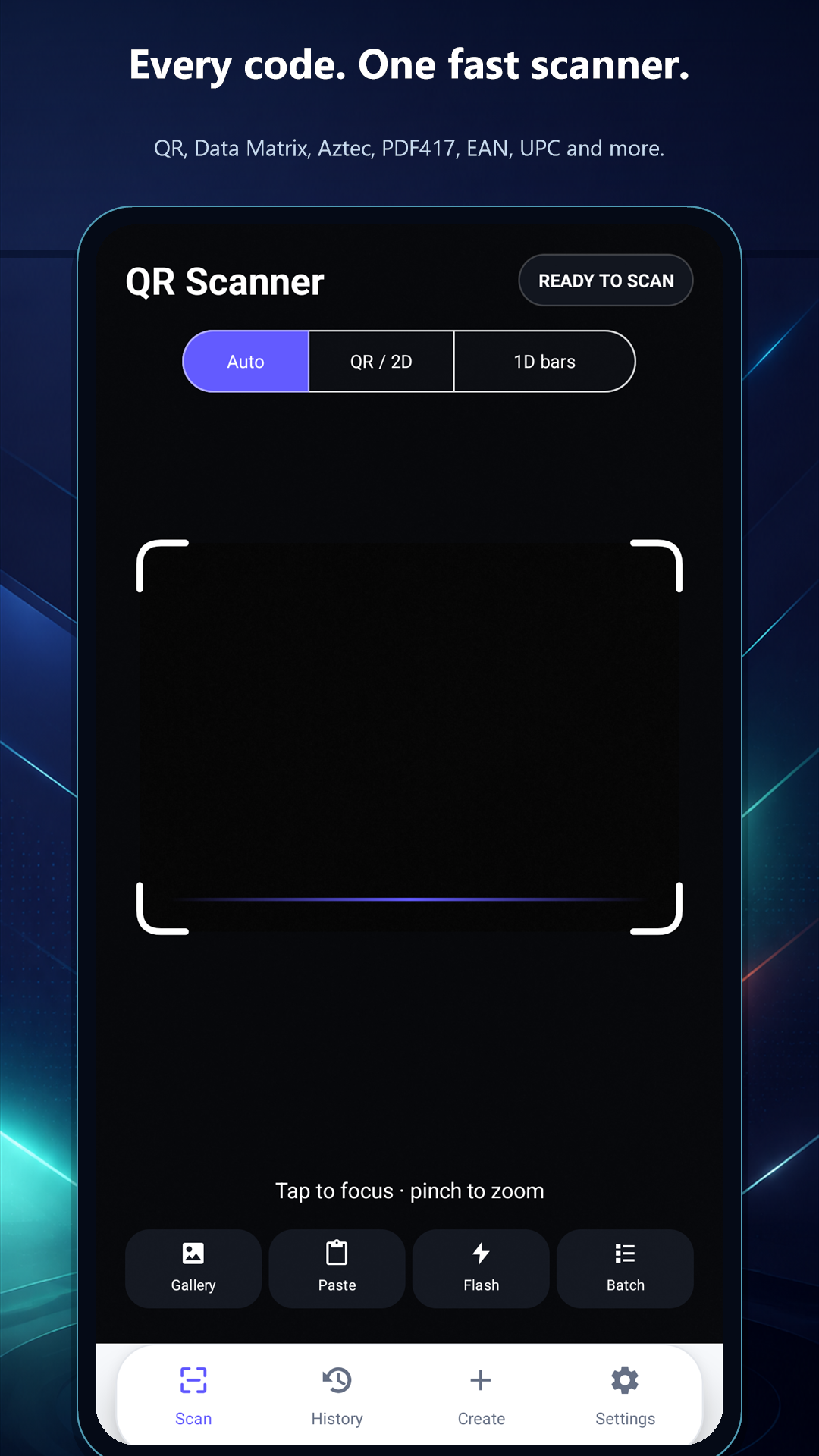
Switch between Auto, QR / 2D and 1D modes, then use focus, zoom, flash or batch capture.
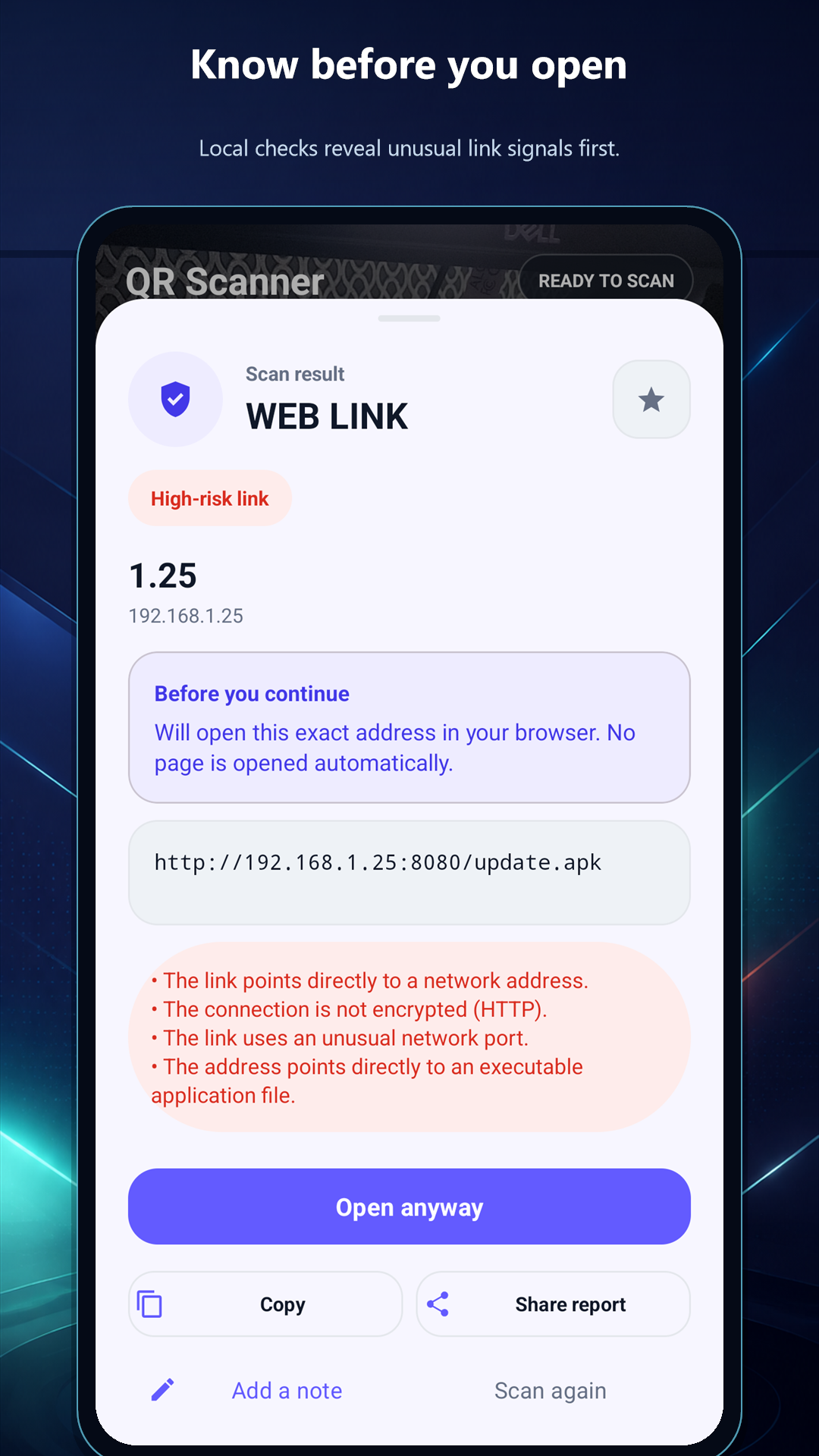
See technical warning signs such as HTTP, IP addresses, unusual ports or executable downloads before opening.
Open a URL, prepare Wi-Fi, call, email, map, calendar or contact actions only when you choose.
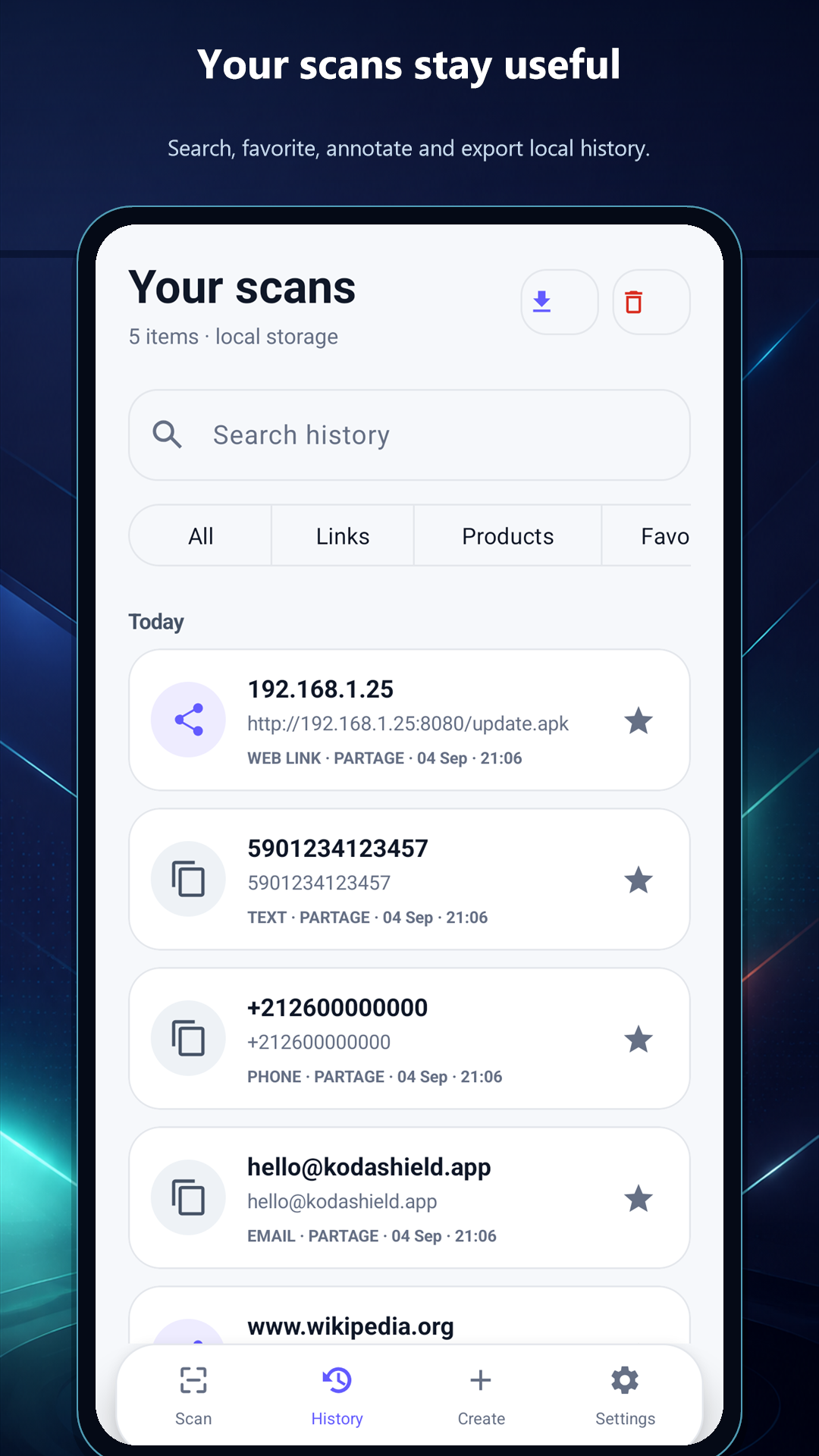
Search, filter, favorite, annotate, import and export scans stored on your device.
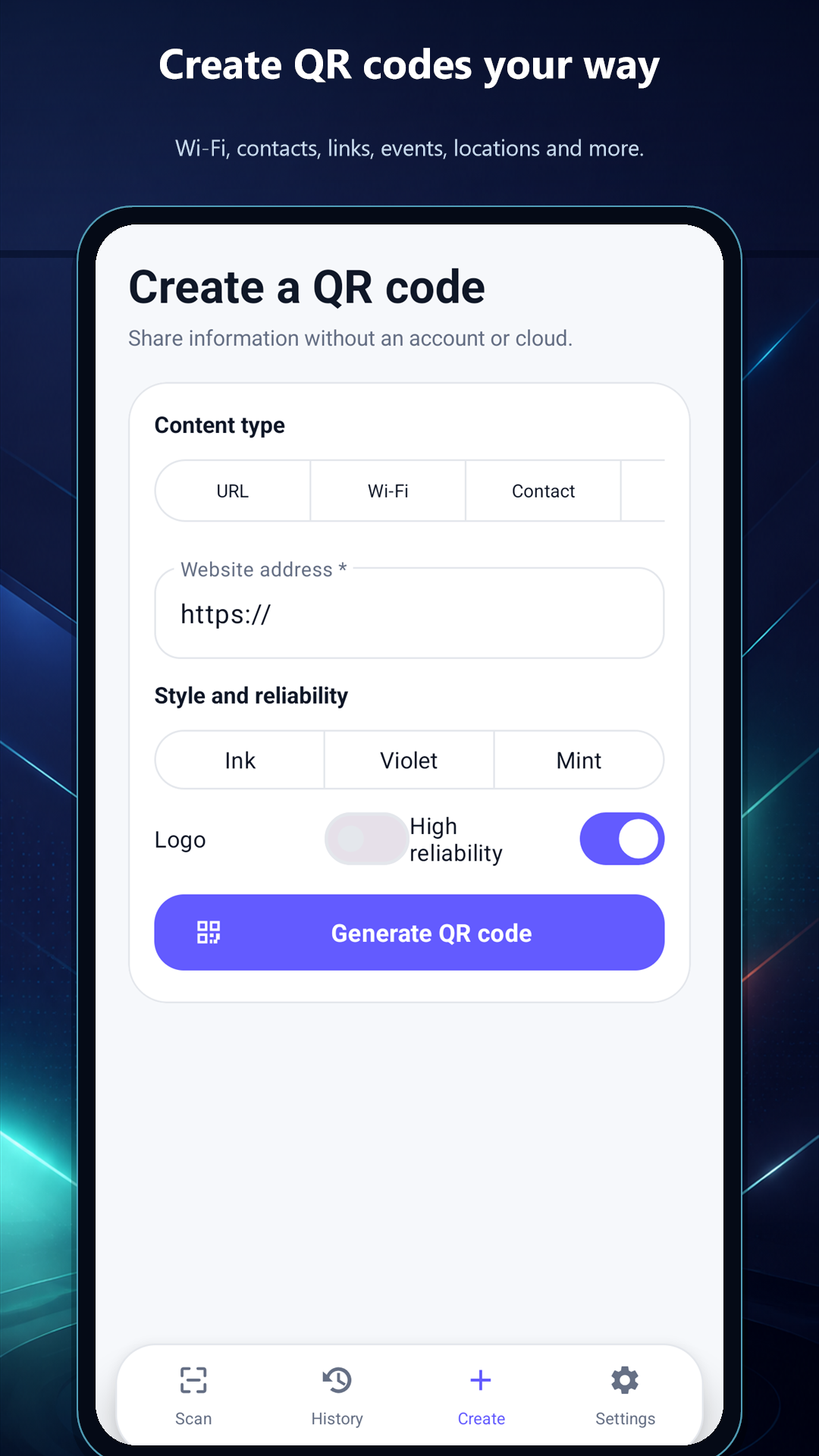
Create QR codes for URLs, Wi-Fi, contacts, calls, email, SMS, events, locations and text.
Clarity before action
The result sheet keeps the decoded value readable and puts warnings, notes, favorites and relevant actions in one place.
A deliberate flow
The scanner stays fast while keeping you in control of what happens next.
Use the live camera, select an image, paste text or share an image into the app.
Auto mode handles common cases; focused 2D and 1D modes help with harder labels.
Check the exact content, barcode format and any local safety signal before acting.
Open, copy, share, save, favorite or scan again—the app waits for your decision.
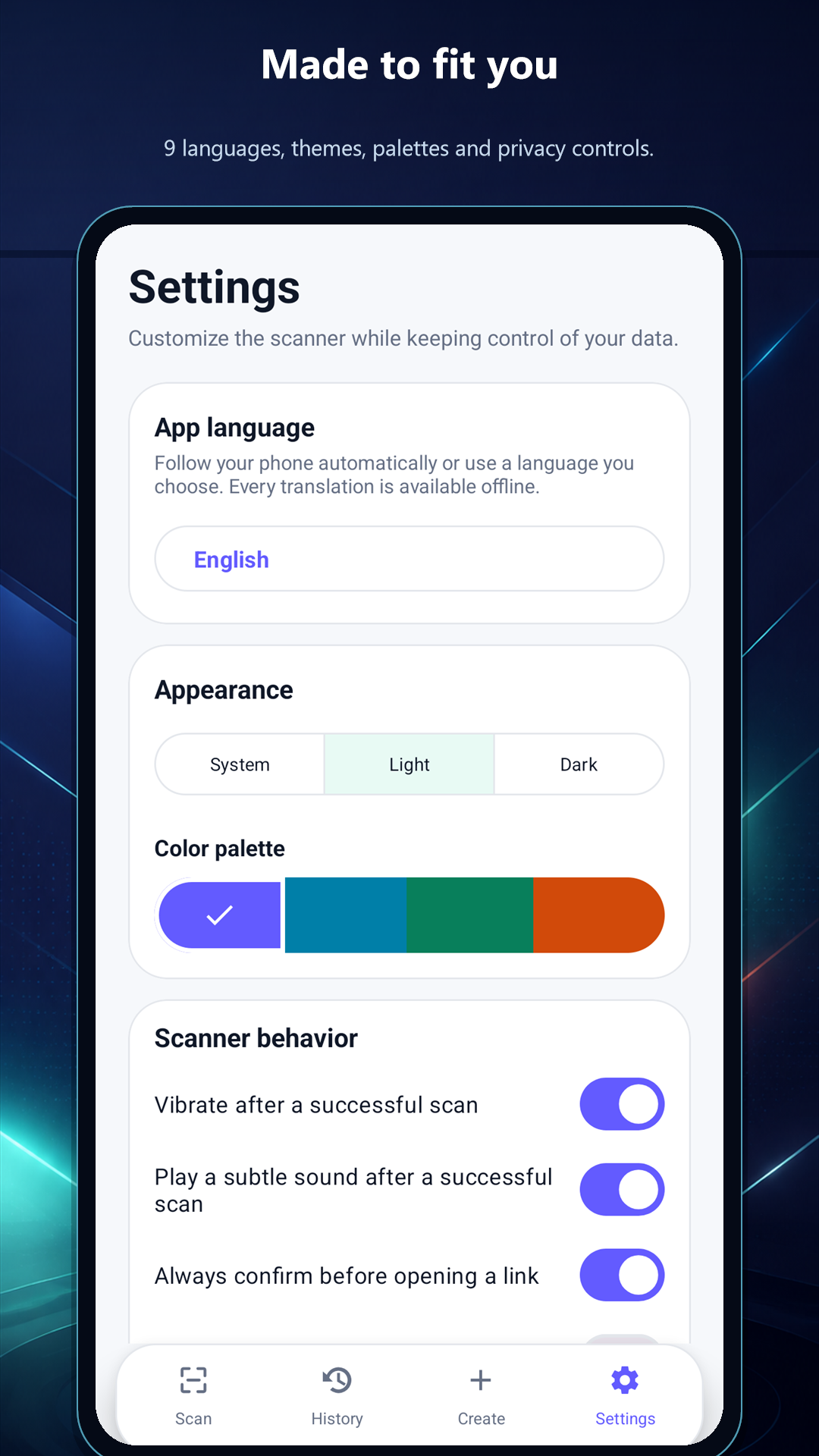
Actual Android interface
Privacy by design
Scanning and link inspection happen on the device. History, favorites, notes and preferences are local; the app has no account or proprietary cloud. Third-party SDK data is explained transparently in the policy.
Support
Send the Android version, barcode format and steps that reproduce the issue. Remove or hide passwords, contact details and other sensitive content before sharing a sample.